
Table of Contents
- Why Remote Facilitation Requires Different Tools and Approaches
- Virtual Facilitation Tools That Keep Remote Meetings Engaging
- Remote Meeting Agenda Templates and Pre-Session Setup
- Remote Meeting Facilitation Techniques for Engagement and Participation
- Online Whiteboard Tools for Teams and Real-Time Collaboration
- Choosing Facilitation Tools by Meeting Type and Team Size
- Accessibility, Inclusion, and Privacy in Remote Facilitation
- Measuring Facilitation Effectiveness and Continuous Improvement
- Frequently Asked Questions
Last Updated: October 18, 2026
Why Remote Facilitation Requires Different Tools and Approaches
Remote facilitation isn’t just moving your in-person meeting to a video call.
The best facilitation tools for remote team meetings solve a specific problem: they restore what video calls strip away. According to research on remote work dynamics from the Society for Human Resource Management, teams that use structured facilitation tools report 40% higher engagement in virtual sessions compared to unstructured video calls.
Remote facilitation requires different thinking. You can’t read the room, use physical proximity to manage dynamics, or rely on hallway conversations that drive real decisions. Instead, you need tools that make participation visible, structure that replaces spontaneity, and techniques that rebuild trust remotely.
This guide covers the best facilitation tools for remote team meetings, software platforms and structured frameworks, and how to choose them by meeting type and team size, address accessibility and privacy, and measure whether your facilitation is landing.
Virtual Facilitation Tools That Keep Remote Meetings Engaging
Effective remote facilitation starts with the right toolkit. The best facilitation tools for remote team meetings combine three elements: technology that enables participation, frameworks that structure the interaction, and techniques that read energy remotely.
Remote Facilitation Playbook: Complete System for Virtual Sessions
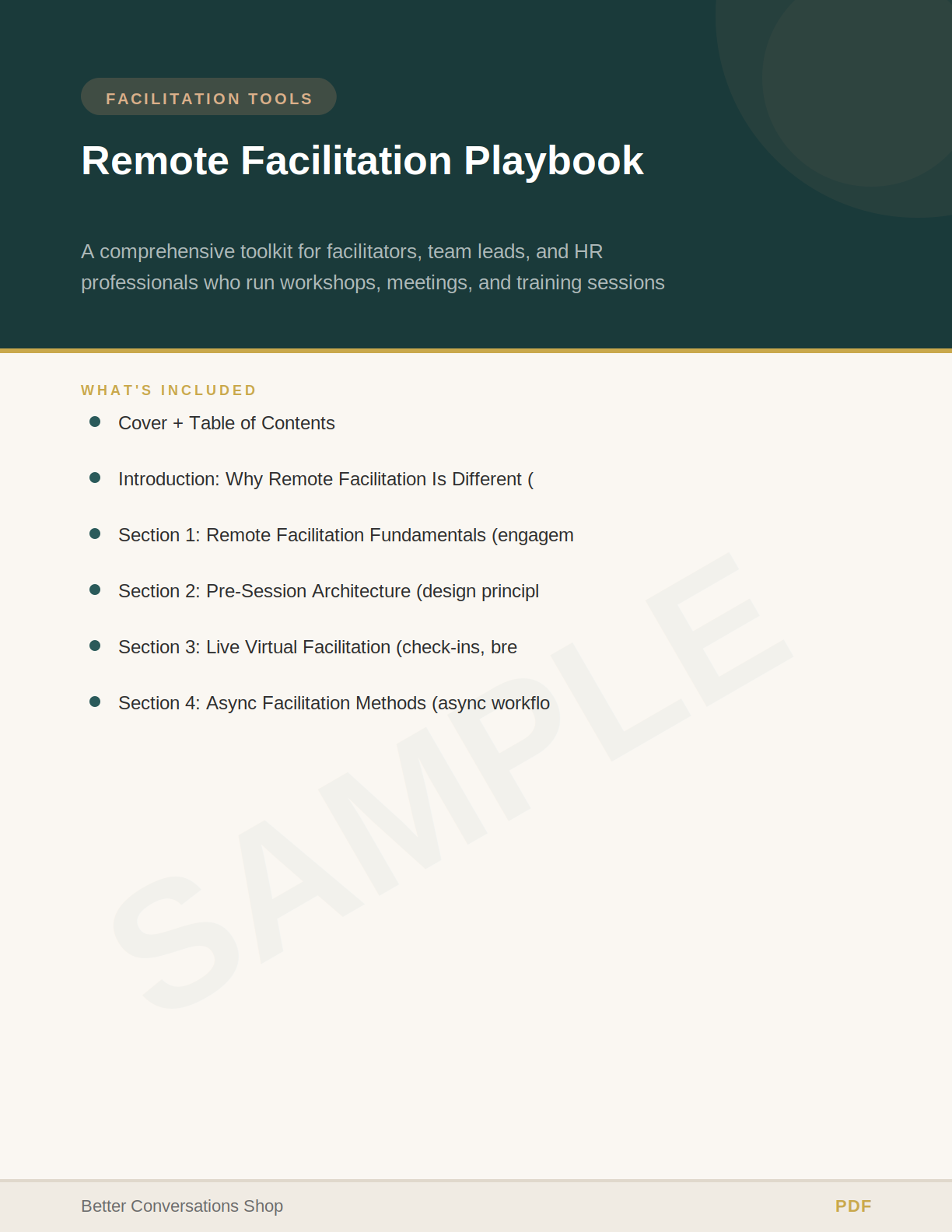
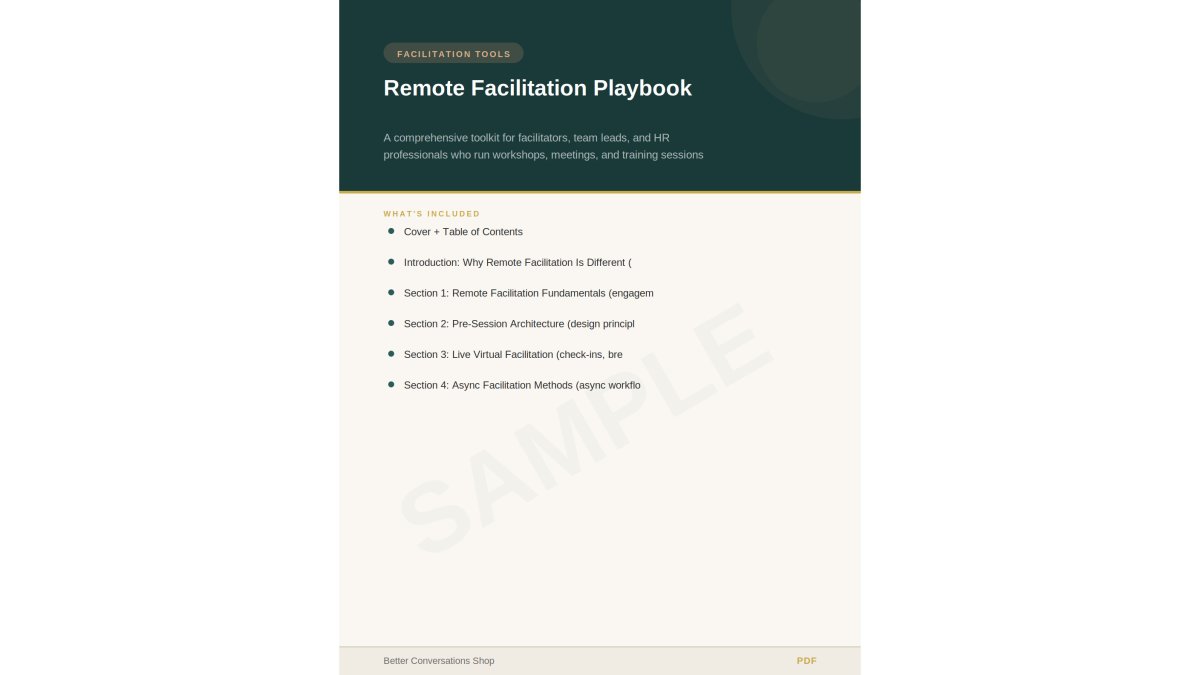
The Remote Facilitation Playbook ($23.99) is The Method Lab’s complete system for designing and running virtual sessions that actually engage. This isn’t a generic webinar guide, it’s built specifically for facilitators who need to replicate in-person dynamics remotely.
The playbook covers six core sections. First, why standard facilitation fails on video calls and how to read energy and participation signals remotely, the core skill most facilitators lack. Second, pre-session architecture: remote session design, structuring materials for async work, and the remote agenda template.
What sets this apart: it includes five complete workshop templates (90-minute team kickoff, 60-minute strategy session, 30-minute retrospective, 45-minute skills workshop, 20-minute decision meeting), all adaptable for virtual delivery. It also covers async facilitation methods, which most guides skip entirely. For distributed teams, structured async standups and decision-making workflows replace the synchronous meeting entirely.
The playbook includes an accessibility and inclusion checklist specifically for remote settings. This isn’t generic, it addresses low-bandwidth participation, time zone challenges, and how to run the same content across multiple regions without burning out your team.
Workshop Flow Planner: Design Sessions That Hold Attention
The Workshop Flow Planner ($20.99) is a practical agenda builder for facilitators who want workshops that flow naturally from start to finish. It includes energy arc mapping, activity sequencing templates, timing calculators, and materials checklists. Works for one-hour sessions to multi-day events.
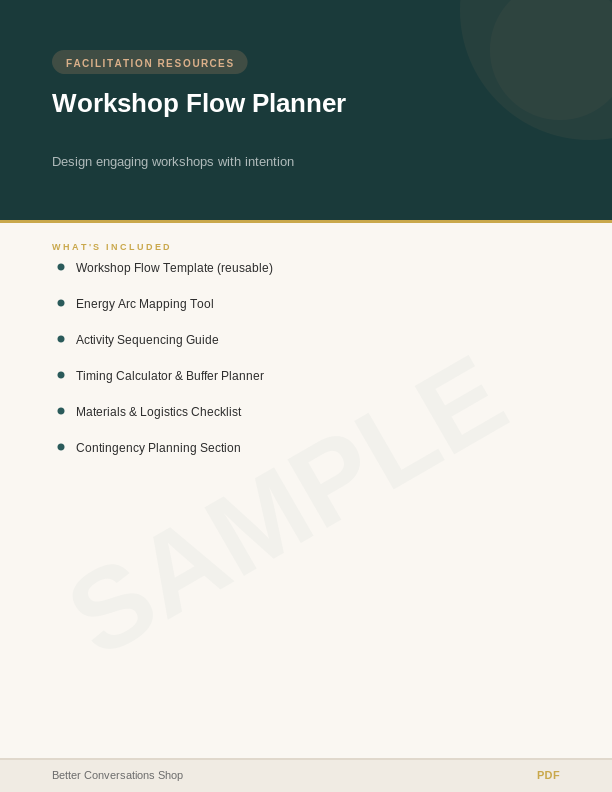
Many facilitators wing the flow, knowing the content but not mapping energy intentionally. The Workshop Flow Planner forces you to balance intensity, high-energy activities, reflection, breaks, which separates meetings that feel rushed from ones that feel complete.
Group Discussion Guide Pack: Move Beyond Surface-Level Conversations
The Group Discussion Guide Pack ($16.99) contains twenty themed discussion guides with layered question sets. Each guide moves groups from surface-level sharing to genuine insight. Topics span leadership, change, trust, communication, and growth.
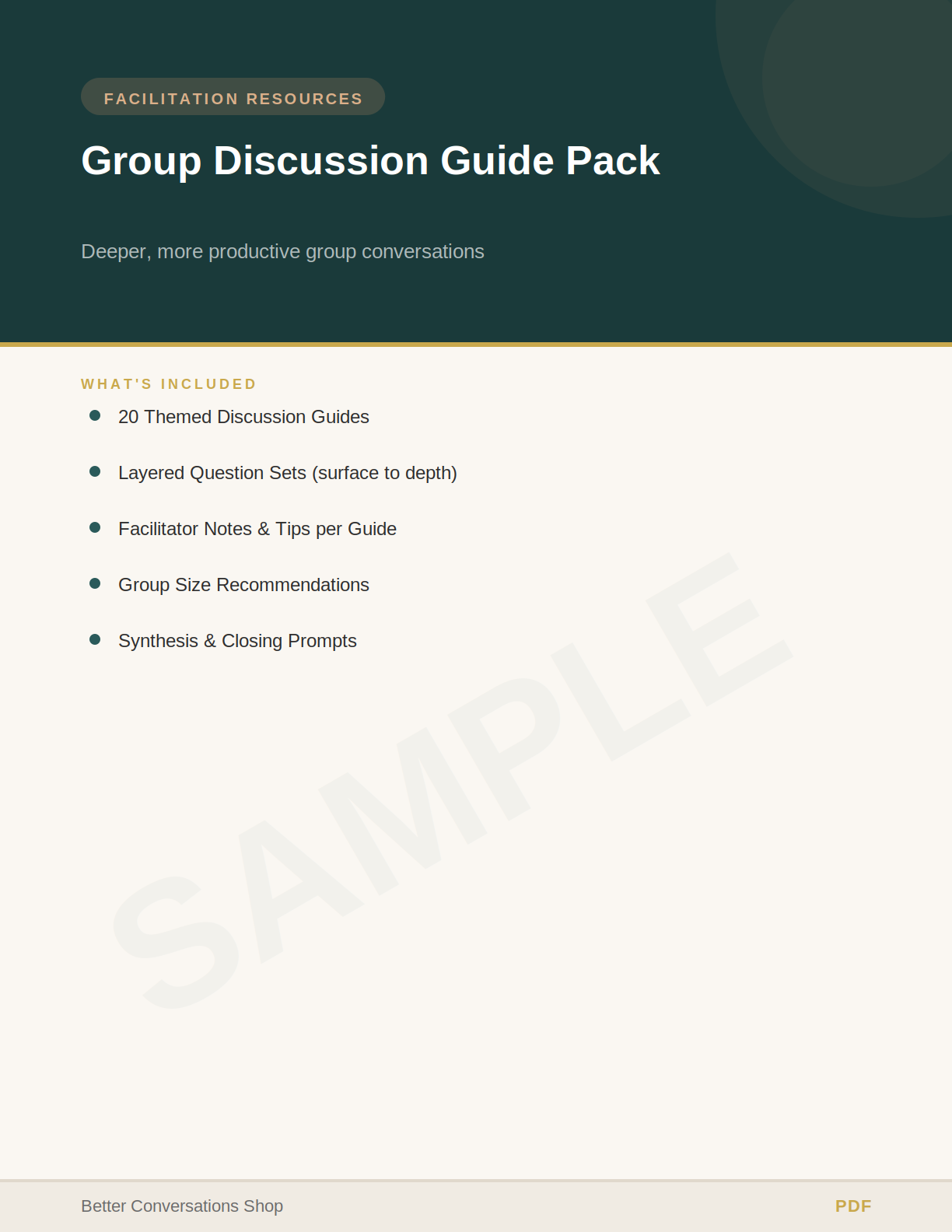
Each guide includes opening questions, deepening prompts, synthesis questions, and facilitator notes. For remote teams this is critical: silence on video feels awkward fast, and structured questions eliminate dead air while guiding groups past polite surface-level sharing.
Facilitator Icebreaker Pack: Build Connection From Minute One
The Facilitator Icebreaker Pack ($18.99) contains thirty field-tested icebreakers organized by group size, energy level, and depth. Each includes setup instructions, timing guidelines, facilitation tips, and common pitfalls to avoid.
Remote icebreakers differ from in-person ones, you can’t use physical movement or proximity to build connection. The best ones create psychological safety quickly, revealing something real without forcing vulnerability.
Remote Meeting Agenda Templates and Pre-Session Setup
The foundation of effective remote facilitation is preparation. A strong remote meeting agenda template does three things: it builds in time buffers, sequences activities intentionally, and tests technology before the group arrives.
Most facilitators skip this step, assuming good content will carry the meeting. It won’t, remote meetings require more structure, not less. A good remote meeting agenda template includes built-in pauses for questions, explicit transitions, and time buffers for technical issues.
Pre-session setup matters more remotely than in-person. Test screen sharing, audio and video, and breakout room functionality, and send materials 24 hours ahead. This isn’t micromanagement, it’s respect for people’s time.
Remote Meeting Facilitation Techniques for Engagement and Participation
The best facilitation tools for remote team meetings include the techniques you use to manage participation in real time. When you can’t see body language, you need different strategies.
Read participation signals differently. In a physical room, disengagement shows, phone-checking, leaning back. On video, everyone looks the same. Instead, watch chat participation, reaction emoji use, and who unmutes to speak.
Manage dominant voices. On video calls, the loudest person often dominates. Use structured techniques: go around the virtual table so everyone speaks. Use polls instead of open discussion for initial reactions.
Build in async participation. Not everyone thinks fast on their feet.
Use breakout rooms strategically. Breakout rooms are the closest thing to small group conversations in a virtual setting. Use them for peer discussions, small group problem-solving, or partner work.
Online Whiteboard Tools for Teams and Real-Time Collaboration
Online whiteboard tools are one of the best facilitation tools for remote team meetings because they make thinking visible. When a group is brainstorming, problem-solving, or mapping ideas, a shared whiteboard replaces the flip chart.
A good online whiteboard for teams lets multiple people write simultaneously, supports sticky notes and freeform drawing, and integrates with your video platform. The real value: everyone sees the same thing, contributes in real time, and watches ideas build collectively.
Remote Facilitation Playbook →
Use whiteboards for:
- Brainstorming sessions where you want to capture raw ideas without filtering
- Process mapping where you’re visualizing workflows or customer journeys
- Problem-solving where you’re breaking down complex challenges into components
- Retrospectives where the team reflects on what worked and what didn’t
The key is giving clear prompts. Don’t just open a blank whiteboard and say “write your ideas.” Instead: “In the next 10 minutes, add your top three barriers to execution in the left column. We’ll cluster them in the next step.”
Whiteboard tools can become chaotic fast if you don’t manage them actively. Too many people writing at once creates visual noise. Assign roles: one person as scribe if the group is large, or use structured prompts where people write in designated areas. Otherwise you end up with a mess that’s hard to synthesize.
Choosing Facilitation Tools by Meeting Type and Team Size
Different meetings require different tools. A 15-minute standup needs different facilitation than a two-hour strategy workshop. A team of five needs different setup than a team of 50.
Quick standups (15-30 minutes, 5-10 people): Minimal tools suffice, a video call plus a shared document for updates. Technique matters more than the tool: give each person two minutes for progress and blockers, and stick to time.
Team meetings (60 minutes, 10-20 people): Use a whiteboard for collaborative work and segment the agenda: opening (5 min), updates (15 min), discussion (25 min), decisions and action items (10 min), closing (5 min).
Workshops (90+ minutes, any size): You need the full toolkit, breakout rooms, whiteboards, discussion guides, an agenda with energy arc mapping, and pre-session materials. This is where the Remote Facilitation Playbook and Workshop Flow Planner earn their value.
Distributed teams across time zones: Use async-first tools. Structured async standups replace synchronous meetings. Decision-making workflows in shared documents let people contribute asynchronously. Then use synchronous time for discussion and alignment only.
| Meeting Type | Duration | Group Size | Key Tools | Primary Facilitation Challenge |
|---|---|---|---|---|
| Standup | 15-30 min | 5-10 | Video call + shared doc | Keeping it tight and actionable |
| Team meeting | 60 min | 10-20 | Video + whiteboard + polls | Managing participation and time |
| Workshop | 90+ min | Any | Full toolkit + templates | Sustaining energy across duration |
| Async workflow | Ongoing | Any | Shared docs + discussion board | Maintaining momentum without sync time |
Accessibility, Inclusion, and Privacy in Remote Facilitation
The best facilitation tools for remote team meetings must be accessible to everyone. This isn’t optional, it’s foundational to good facilitation.
Accessibility basics: Provide captions, they help people who can’t hear clearly and non-native speakers alike. Describe visual content in words rather than only showing it on screen.
Inclusion practices: Start with icebreakers that build psychological safety. Use structured techniques that give everyone a voice, rotate who speaks first, and use async tools so introverts and slower processors can contribute.
Privacy and data governance: Know where your tools store data and their retention policies. For sensitive conversations, use tools that don’t record by default, get explicit consent before recording, and be transparent about how recordings are used.
According to guidance from the International Association for Professional Coaches and Consultants, facilitators have a duty to protect participant confidentiality. This extends to how you handle recordings, transcripts, and notes.
Measuring Facilitation Effectiveness and Continuous Improvement
How do you know if your facilitation actually worked? Most facilitators skip this step. They run the meeting and move on. The Facilitation Debrief Toolkit ($17.99) systematizes this reflection.
Measure three things: engagement during the session, outcomes after the session, and participant feedback.
Engagement signals: Use chat logs, polling results, and breakout room participation.
Outcomes: Did the meeting achieve its objective? If the goal was to make a decision, was a decision made? If the goal was to solve a problem, were solutions identified?
Participant feedback: Ask directly with a three-question post-meeting survey: What went well? What could improve? How likely are you to recommend this facilitator to a colleague?
The Facilitation Debrief Toolkit includes a self-evaluation rubric, participant feedback templates, session effectiveness metrics, and a development planning framework.
Remote meetings don’t have to feel draining or unproductive. At The Method Lab, we’ve built tools for this challenge, from the Remote Facilitation Playbook that teaches you to read energy and manage participation remotely, to the Workshop Flow Planner that keeps sessions holding attention start to finish.
Frequently Asked Questions
What are the best facilitation tools for remote team meetings?
The best facilitation tools combine structured frameworks with practical templates. The Remote Facilitation Playbook ($23.99) provides a complete system for designing engaging virtual sessions, including 5 workshop templates and guidance on managing participation signals remotely. The Workshop Flow Planner ($20.99) helps with agenda design and energy management. For teams prioritizing discussion depth, the Group Discussion Guide Pack ($16.99) offers 20 themed guides that move groups from surface-level sharing to genuine insight. The choice depends on whether you need comprehensive remote facilitation training, workflow planning, or structured discussion frameworks.
How do you create an effective remote meeting agenda template?
An effective remote meeting agenda template should include time-boxing for each activity, clear transitions, and built-in breaks to prevent fatigue. The Remote Facilitation Playbook includes a complete remote agenda template that accounts for the engagement dimensions unique to virtual environments: visual participation, voice and chat engagement, breakout room dynamics, and asynchronous follow-up. The Workshop Flow Planner adds energy arc mapping and activity sequencing to ensure your agenda maintains participant attention throughout. Include buffer time for technical issues and specify which tools you’ll use for each segment.
What remote meeting facilitation techniques actually increase participation?
Effective remote meeting facilitation techniques include the Virtual Check-In System (quick, structured openings that build psychological safety), strategic use of breakout rooms for smaller group work, and real-time engagement tools like polling and chat prompts. The Remote Facilitation Playbook teaches how to read energy and participation signals in a video call where body language is hidden, and how to manage dominant voices while drawing out quiet participants. Using the Facilitator Icebreaker Pack ($18.99) sets the tone early. Asynchronous facilitation methods, structured standups and decision workflows, also work for distributed teams across time zones.
How do you measure whether facilitation tools are improving your meetings?
Measure facilitation effectiveness through participant feedback, engagement metrics, and action item completion. The Facilitation Debrief Toolkit ($17.99) includes a self-evaluation rubric, structured feedback collection templates, and session effectiveness metrics. Track whether participants are speaking up (participation rate), whether discussions reach genuine insight versus surface-level sharing, and whether action items are actually completed after the meeting. The Team Dynamics Assessment & Reset Pack ($26.99) measures team health across 8 dimensions before and after facilitation interventions, showing whether your tools are creating lasting change in how teams collaborate.